Mapping the Microsoft Fabric tooling landscape
Why I built fabricstack.dev... and how you can extend it fill it out

If you've spent any real time building on Microsoft Fabric, you've felt it: the tooling landscape is big, and it's growing fast. Official CLIs and SDKs, the REST APIs, a wave of MCP servers, community frameworks, semantic model editors, CI/CD libraries, VS Code extensions, monitoring accelerators… great for us as developers, but genuinely hard to keep track of.
The problem isn't that the tools don't exist. It's that they live everywhere - scattered across GitHub repos, blog posts, the Learn docs, two different marketplaces, and the occasional half-remembered conference demo. There's no single place to answer a simple question: "What's out there to help me do X on Fabric?"
So I built one.
fabricstack.dev
fabricstack.dev is a curated, neutral catalog of tools, libraries, frameworks, SDKs, CLIs, MCP servers, extensions, and services for working with Microsoft Fabric and Power BI.
The emphasis is on neutral. The site doesn't rank, rate, or recommend. There are no "featured," "popular," or "editor's picks" lists. Inclusion is curated against published criteria. If something is an actual tool and it's useful for Fabric or Power BI development, it's in; if it isn't, it isn't. Each tool keeps its own license, shown on its page. That's the whole editorial stance.
You can search the catalog, or filter it by discipline, type, pricing, source, and maintainer.
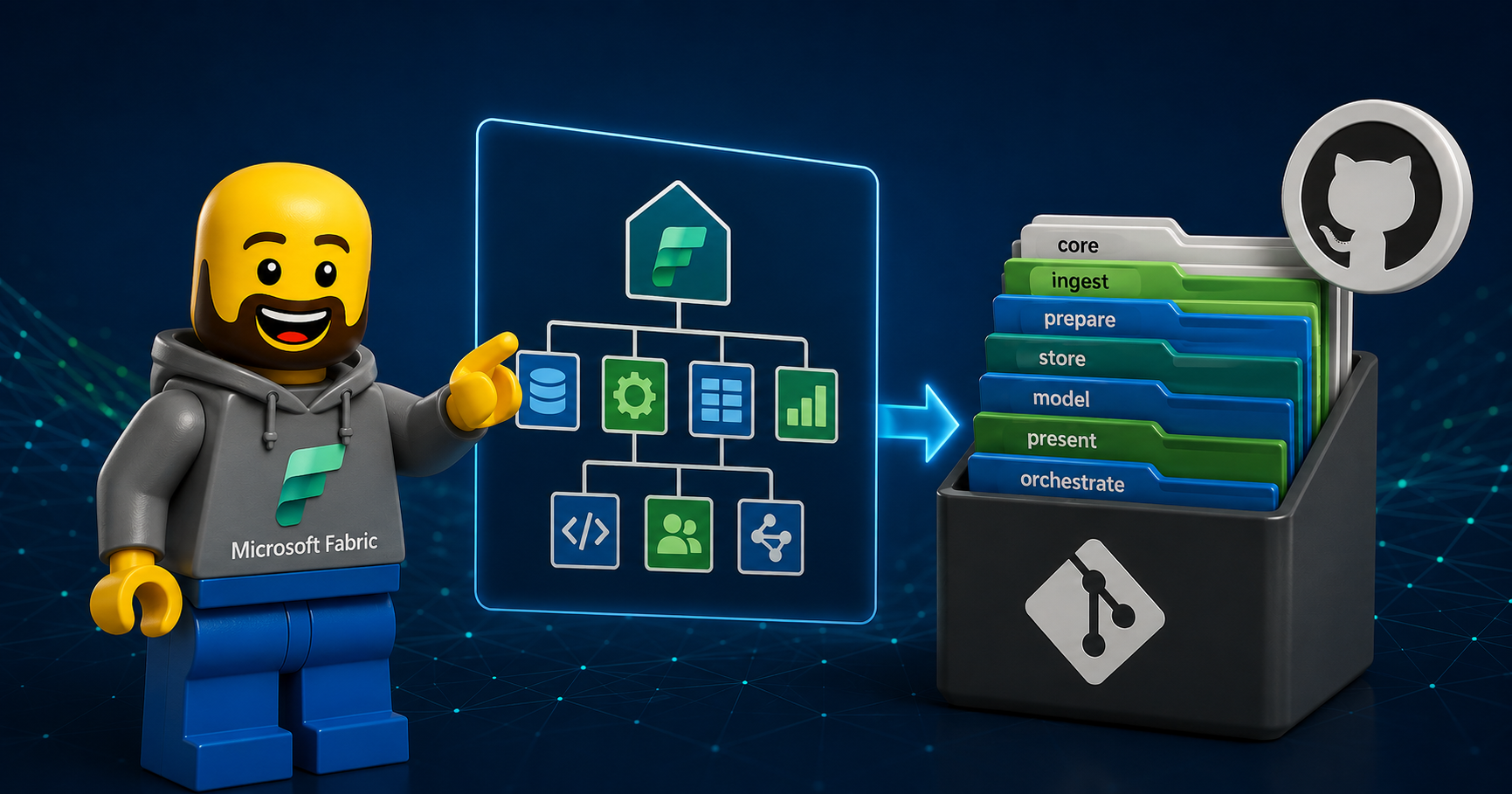
A mental model: The layers
The thing that finally made me build this was realising the landscape actually has a fairly clean structure once you squint at it.

The foundation: The REST APIs. Everything you do on Fabric and Power BI is ultimately a REST call. The Fabric and Power BI REST APIs are the bedrock everything else is built on.
The abstraction layer: CLIs, SDKs, and MCP servers. The Fabric CLI, the language SDKs (.NET, Python, Go, JavaScript), and the new generation of MCP servers all wrap those APIs in something friendlier: scriptable, typed, or consumable by an AI agent.
Purpose-built tools on top: Semantic model editors, DAX tooling, CI/CD frameworks, report tooling, monitoring accelerators: The higher-level tools that solve a specific job, usually standing on the layers below them.
fabricstack indexes tools across every one of these layers... yes, even the REST APIs at the very bottom. The catalog's categories map roughly onto this view: Platform, APIs & SDKs, DevOps & CI/CD, AI, Copilot & MCP, Semantic Modeling, DAX & Performance, Reporting & Embedding, IDE & Extensibility, and the Fabric workload areas.
This only works as a community effort
I have launched the site with 40+ curated entries, but that's a starting point, not the goal. The tooling landscape is far bigger than any one person can track and a lot of the best tools are built by people in this community.
So this is a call out to all of you. If you build or maintain a tool, a framework, a CLI, an MCP server, a VS Code extension, a template - anything that helps people work with Fabric or Power BI, please add it.
How to contribute
There are two ways in, and both start from the GitHub repo:
Submit an issue (easiest). Open the Submit a tool issue form. It captures every field — name, links, category, type, pricing, and so on. And I'll review it and open the pull request for you.
Open a pull request. Add a single markdown file at
src/content/tools/{slug}.mdusing the entry template in the README. The frontmatter is validated at build time, so a malformed entry simply won't merge.
Spotted something wrong or out of date in an existing entry? Every tool page has a Suggest edit link that opens the file straight in GitHub's editor.
A few ground rules from the inclusion criteria: it has to be a tool (not a blog post, course, or tutorial), publicly accessible, and useful for Fabric and/or Power BI. Documentation, active maintenance, and a free tier are not required. Deprecated tools just carry a badge and stay in the catalog for posterity.
The whole thing is open source: the site code is MIT, the catalog content is CC BY 4.0.
Have a look
Browse the catalog at fabricstack.dev, and if something you built or rely on is missing, take two minutes to add it. The more complete this gets, the more useful it is for everyone navigating the Fabric tooling landscape.
About the author
- With over 15 years of experience in Data and BI, I specialize in Microsoft Fabric, helping organizations build scalable data platforms through automation, engineering discipline, and modern DevOps practices. As Head of Product Engineering at Tabular Editor and a Microsoft Data Platform MVP, I focus on Fabric automation, CI/CD, semantic modeling, and the developer tooling landscape around Fabric and Power BI. I share my insights and learnings here on Peer Insights, where I write about real-world implementations, patterns, and experiments across Fabric automation, Git integration, deployment strategies, and everything in between. Alongside the blog, I contribute to the community through open source projects such as FabricOps and fabricstack.dev, and by speaking at conferences and community events across Europe and the US.
Comments
Join the discussionNo comments yet. Be the first to comment.