Automating Fabric: Dynamically Configuring Microsoft Fabric Data Pipelines
An dynamic approach to CI/CD Automation
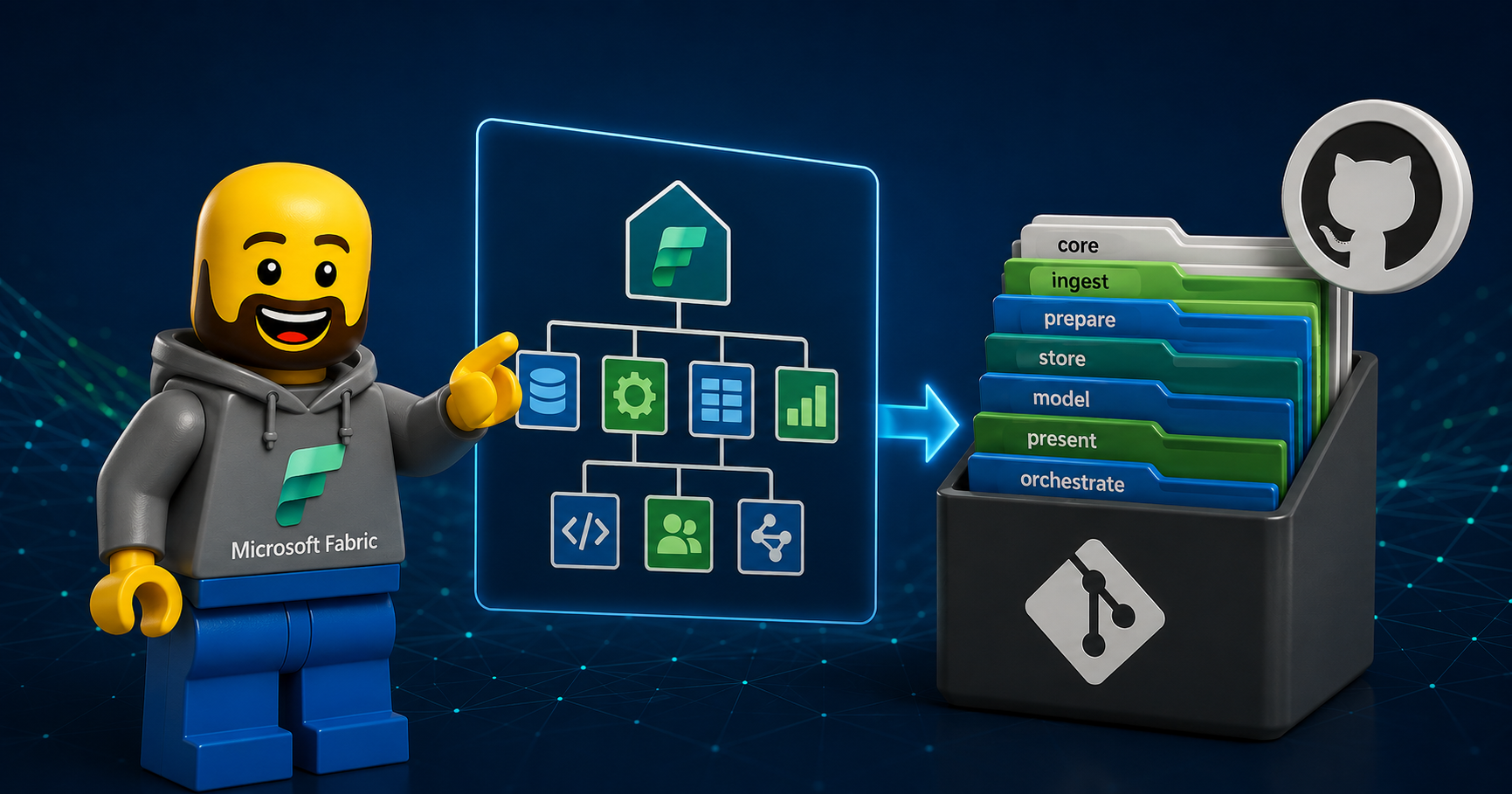
In a typical end-to-end Microsoft Fabric data platform, we use workspace structures and stages - like store, ingest, prepare, serve and orchestrate - to organize the data lifecycle. If you're unfamiliar with these stages, I’ve detailed them in my previous post: Automating Fabric: Kickstart Your Fabric Data Platform Setup.
This post will focus on the ingest and orchestrate stage and how to ensure valid and robust references between Data Pipelines.
The challenge of automating Data Pipelines in Fabric
Automation is key to enabling an efficient CI/CD flow, but Microsoft Fabric, as a relatively new platform, doesn’t always provide the ideal tools for seamless automation. A prime example is how Fabric Data Pipelines manage dependencies and references - whether invoking other pipelines, running notebooks, refreshing semantic models, or connecting to resources like Lakehouses or SQL databases.
A Common Scenario
Consider this scenario:
You create a controller pipeline that orchestrates data ingestion by invoking child pipelines.
The controller pipeline then triggers notebooks to transform data from bronze to gold in a medallion architecture.
Finally, it refreshes a semantic model to support business intelligence workloads.
This solution evolves through feature branches in a development environment, moves to test for user acceptance testing, and is eventually deployed to production.
A key challenge here is ensuring that references to resources - like workspaces and pipelines - are dynamically updated as part of the deployment process, without adding complexity for data engineers or compromising CI/CD workflows.
Many of you who has already worked with Data Pipelines in Fabric in combination with Git and deploying Data Pipelines may have found yourself frustrated by the way pipelines reference other pipelines and how it can lead to errors.
In this post, I’ll show how to dynamically configure the Invoke Pipeline activity in Fabric Data Factory to support automated CI/CD deployments.
Two Approaches to Invoking Data Pipelines
Fabric offers two main ways to invoke one data pipeline from another:
1. Legacy Invoke Data Pipeline
This is the older, now deprecated, approach. It:
Allows pipeline execution only within the same workspace.
Does not support dynamic expressions for workspace or pipeline references.
2. Invoke Pipeline (Preview)
This newer, more versatile activity (currently in preview) allows:
Executing pipelines across different workspaces.
Using dynamic expressions for workspace and pipeline references.
Invoking Azure Data Factory Pipelines and Synapse Pipelines.
However, it depends on a new type of connection that leverages user principal identity for authentication.
A Dynamic Solution for CI/CD
To enable automated CI/CD deployment while maintaining dynamic references, we use the Invoke Pipeline (Preview) activity with dynamic settings for workspace and pipeline IDs. Here’s how:
Step 1: Extract Pipeline Metadata
First, we need a Web activity to retrieve metadata about all pipelines in the current workspace.
This activity calls the Fabric REST API using a service principal.
Configure a Web connection with a base URL:
https://api.fabric.microsoft.com/v1.Use the following dynamic expression for the relative URL:
@concat('workspaces/', pipeline().DataFactory, '/items?type=DataPipeline')
This fetches details about data pipelines, including their display names and IDs. We use the Core endpoint List Items which returns a list of items from a specified workspace.
Step 2: Dynamically Set Workspace and Pipeline References
Next, use the Invoke Pipeline (Preview) activity with dynamic content for the workspace and pipeline settings:
Workspace Reference
Set the workspace dynamically using:@pipeline().DataFactoryThis ensures the activity always points to the workspace of the executing pipeline.
Pipeline Reference
Use the following expression to dynamically retrieve the pipeline ID based on its display name:@string( xpath( xml( json(concat('{"root":', activity('GetPipelines').output, '}')) ), 'string(/root/value[normalize-space(displayName)="MyChildPipeline"]/id)' ) )This searches for the ID of the pipeline MyChildPipeline within the current workspace.
Why This Works for CI/CD
By configuring workspace and pipeline references dynamically:
You eliminate hardcoding, ensuring pipelines adapt to the target environment (development, test, or production).
References are automatically updated during deployment, reducing manual effort and risk of errors.
The solution remains flexible and scalable for feature branches and multi-stage workflows.
Conclusion
Dynamic configuration of Fabric Data Pipelines is essential for a robust and automated CI/CD process. By leveraging the Invoke Pipeline (Preview) activity and integrating with Fabric REST APIs, you can achieve seamless deployments across environments while maintaining clarity and simplicity in your pipeline design.
I hope this guide helps you on your journey to automate Microsoft Fabric solutions. Let me know your thoughts or questions in the comments below!